
Room & power planning
We review the room layout, movement space, power access, charging requirements, and how equipment will move between use and storage.
.jpeg)
VR Classroom Setup
KetupART prepares the equipment, room, charging, protection, and people behind a dependable VR learning environment.
Plan your VR classroomThe work behind the experience
The exciting part is the moment a room full of learners enters virtual reality together. The important work starts much earlier: making sure every unit is charged, protected, configured, stored, and simple enough for a first-time user to pick up with confidence.
Our hands-on experience covers two large device fleets—41 Pico 4 headsets and 41 Meta Quest 3 / 3S headsets. For each setup, we treated the classroom as one complete operating system rather than a collection of individual devices.
What we prepare
We focus on what happens before, during, and after every session so educators can concentrate on teaching.
We review the room layout, movement space, power access, charging requirements, and how equipment will move between use and storage.
Each headset is checked, configured, labelled, fitted with its accessories, and prepared for repeated classroom use.
Carry bags and silicone covers help protect the equipment, keep every set together, and make daily handling more manageable.
We supply and organize the required cables, charging ports, and extensions so the full headset fleet can be recharged reliably.
We prepare content access, verify connectivity, and test the experience across the devices before learners enter the room.
Users learn how to wear the headset, use the controllers, stay aware of their surroundings, and care for the equipment after use.
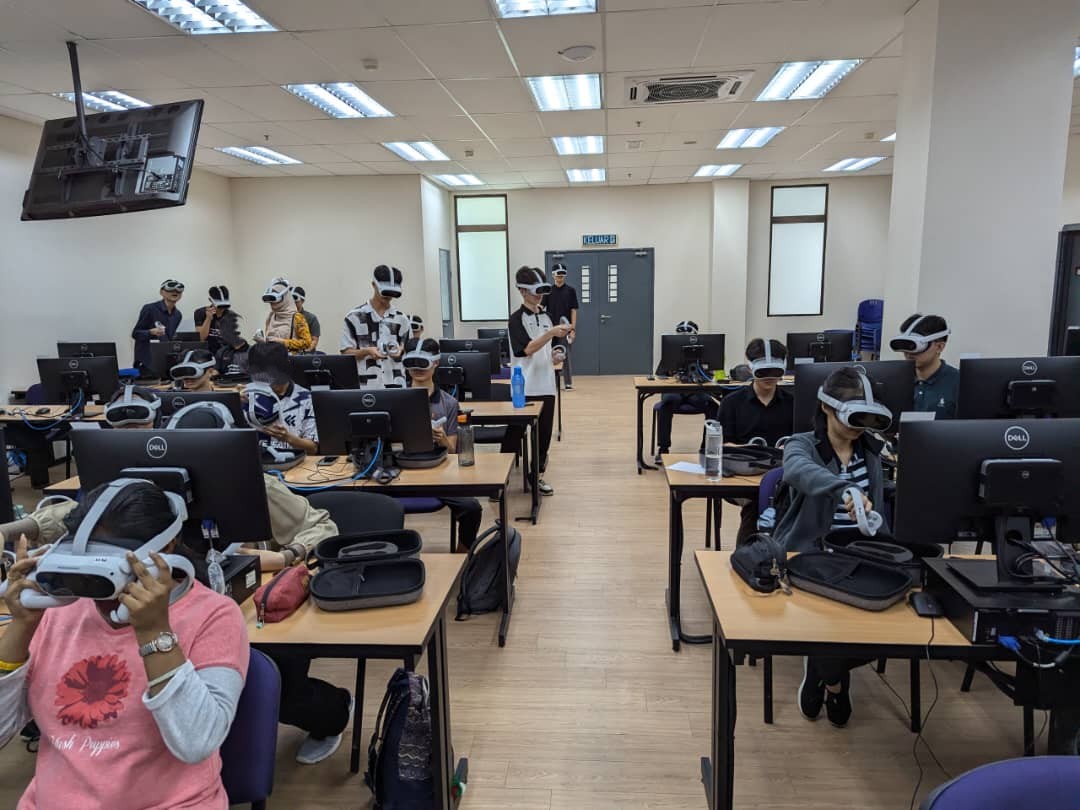
A confident first session
We guide users through headset fit, controller basics, safe movement, and the steps for entering the learning experience. Clear demonstrations reduce uncertainty and help the whole group begin together.
In the classroom
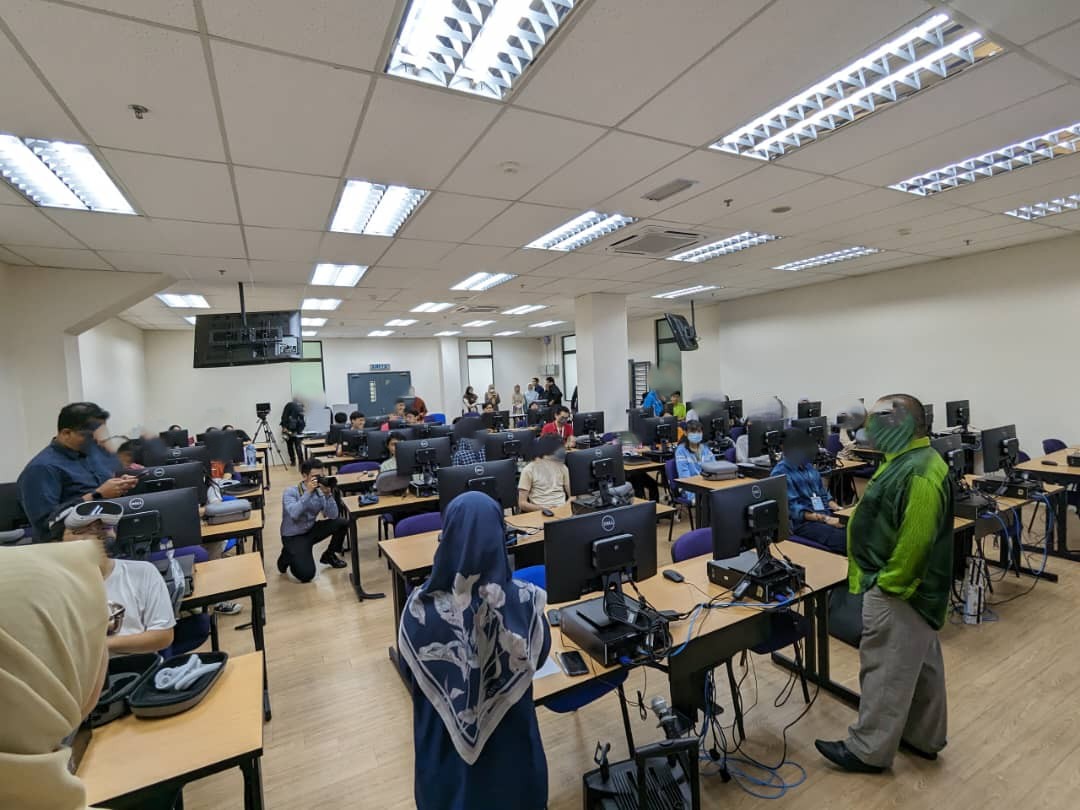
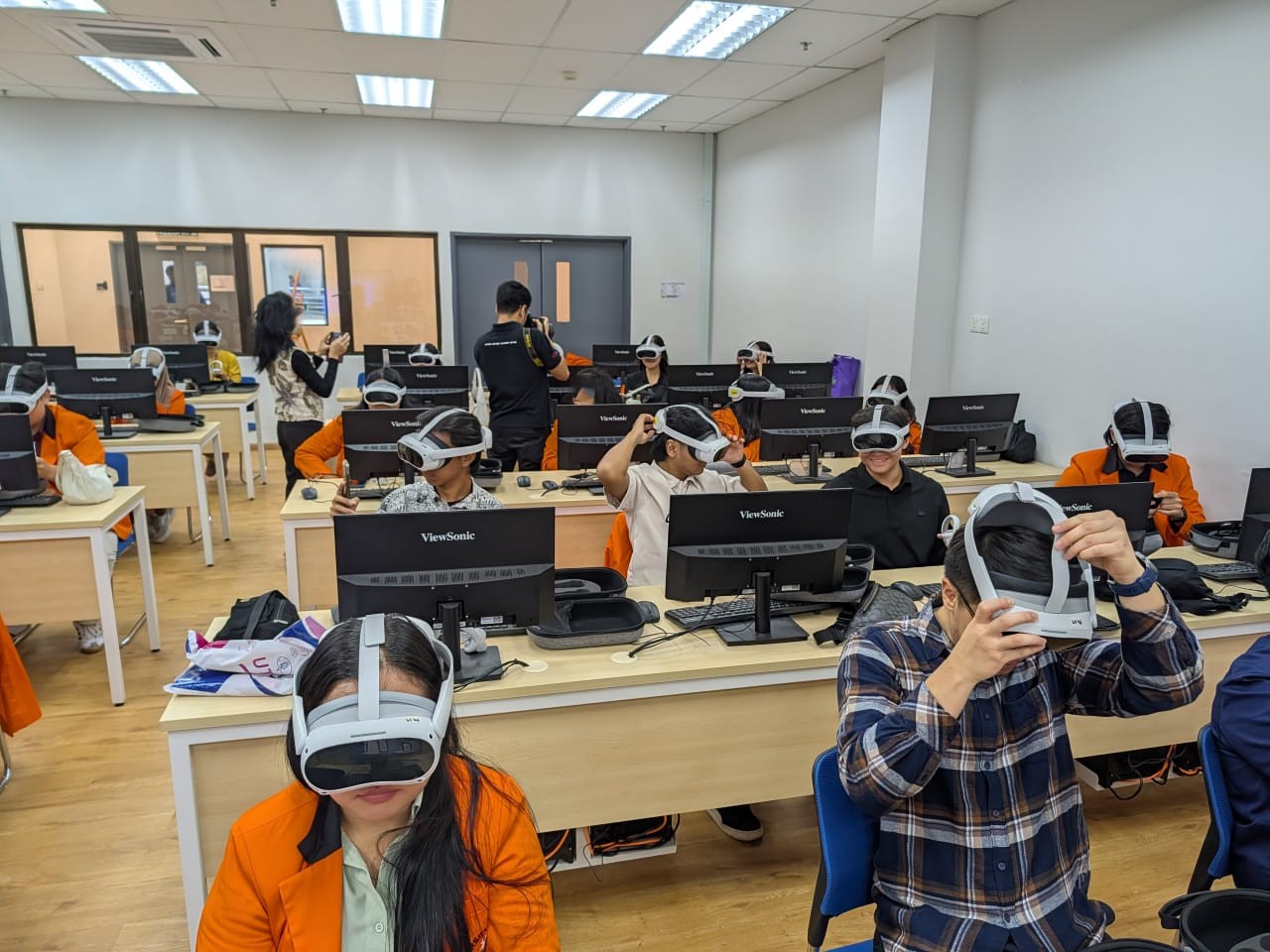
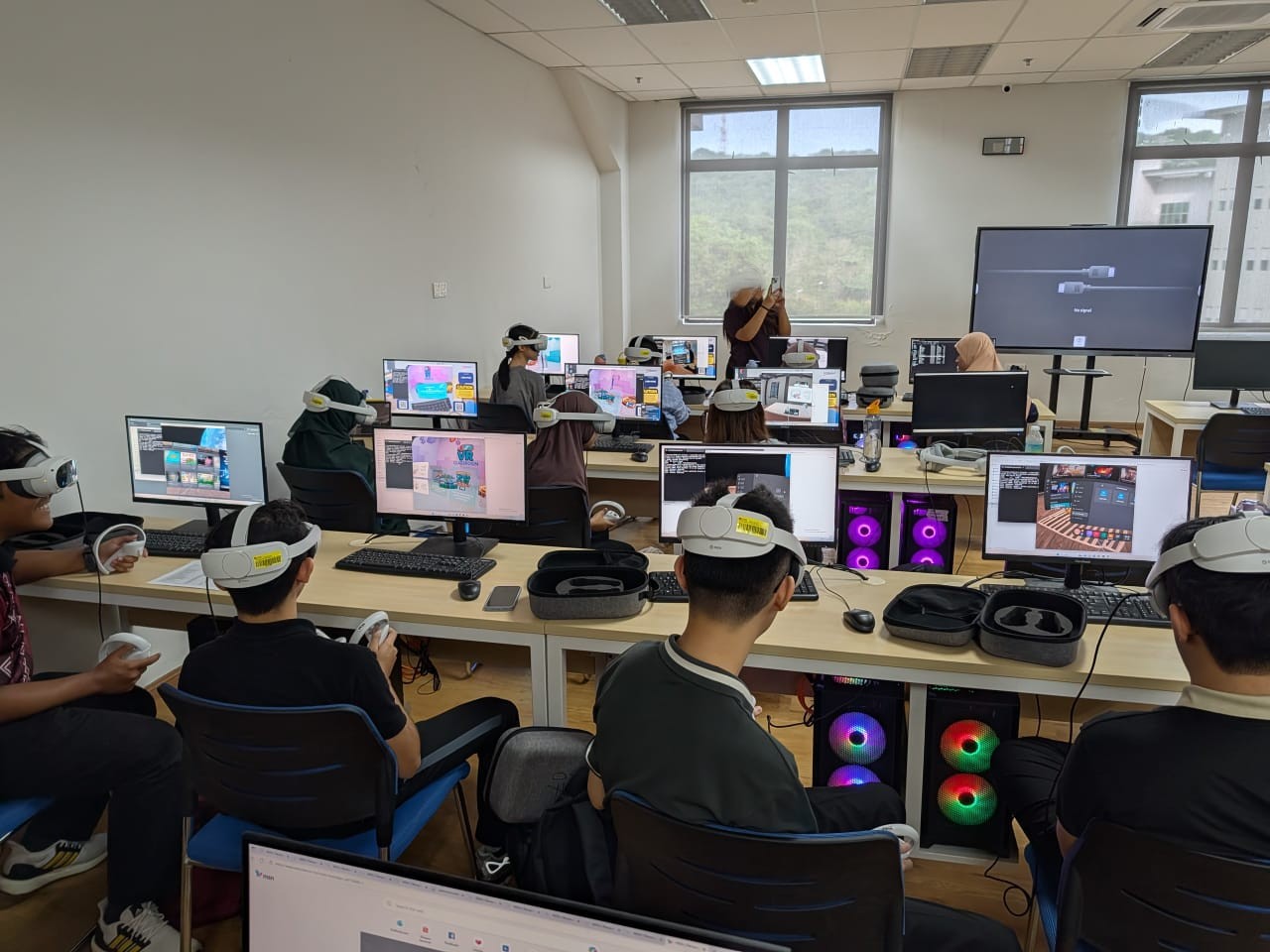
Actual sessions show the equipment in use across full classrooms, with support available where learners need it.
.jpeg)
.jpeg)
.jpeg)
Start with the room you have
Tell us about your space, users, and learning goals. We can help map the equipment and setup needed to make it workable.